Protime ProMobile2015.2.01
Publisher Description

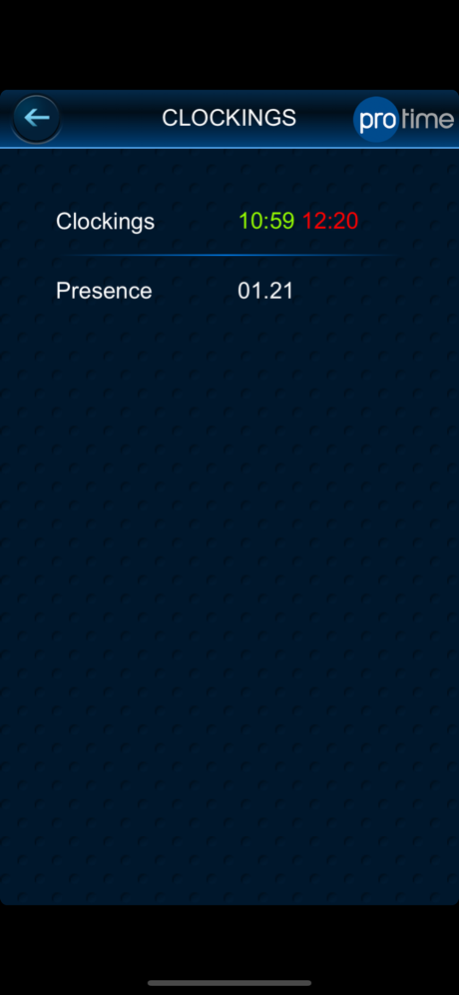
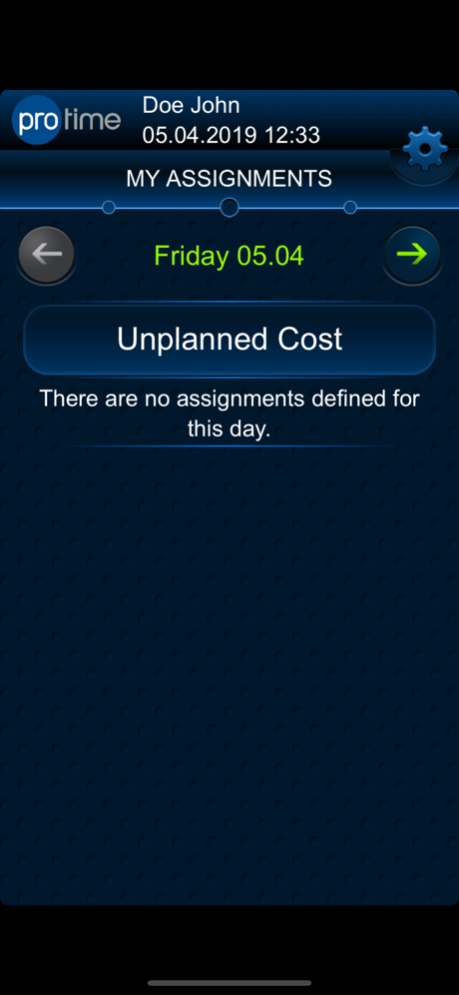
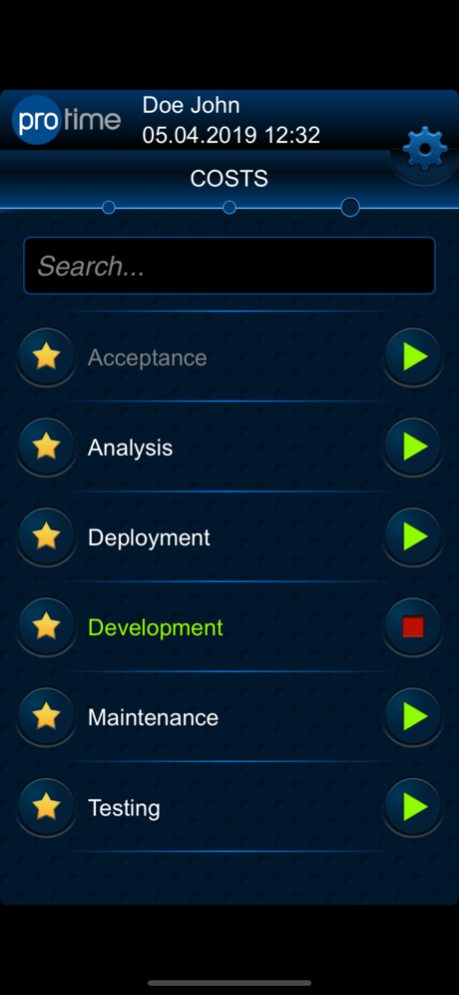
The ProMobile application is a mobile extension of the Protime Premium software suite. With this application users can register time (in/out bookings) together with geographical location coordinates. From now on mobile employees can record their time tracks on the spot without further and unnecessary administration. The responsible planner has a clear and online overview of the execution of the planned tasks and assignments. The reliability of the data is secured through an authorized login, GPS-registration and the server time.
Version History Complying with the new requirements & guidelines from the Apple announcement.
Fixing connection errors in IOS 13.4.1/12.4.7/13.5 2015.2.01 06/30/2020 Enable scan code functionality for iOS v12.1.x and fix location feature for iOS v11 and v12. 2015.1.01 04/10/2019 Enable scan code functionality for iOS v12.1.x 2015.1.00 04/09/2019 Release of ProMobile major version 2015.0.00. 2015.0.00 07/18/2015 A more secure authentication was introduced in the latest ProMobile version. It also contains some small bug fixes. 4.2.3054 06/05/2014 This new version of ProMobile comes with a new feature of storing favorite costs on the server side, making it easier for the user to access them on any device.
Further the application contains some small bug fixes and improvements, mainly on a UI level.
We've also introduced version compatibility to ensure the functioning of ProMobile with several Protime Premium software versions. 4.2.2054 03/24/2014 4.2.1 12/20/2013
About Protime ProMobile
The company that develops Protime ProMobile is Protime NV. The latest version released by its developer is 2015.2.01.
To install Protime ProMobile on your iOS device, just click the green Continue To App button above to start the installation process. The app is listed on our website since 2026-10-17 and was downloaded 7 times. We have already checked if the download link is safe, however for your own protection we recommend that you scan the downloaded app with your antivirus. Your antivirus may detect the Protime ProMobile as malware if the download link is broken.
How to install Protime ProMobile on your iOS device:
- Click on the Continue To App button on our website. This will redirect you to the App Store.
- Once the Protime ProMobile is shown in the iTunes listing of your iOS device, you can start its download and installation. Tap on the GET button to the right of the app to start downloading it.
- If you are not logged-in the iOS appstore app, you'll be prompted for your your Apple ID and/or password.
- After Protime ProMobile is downloaded, you'll see an INSTALL button to the right. Tap on it to start the actual installation of the iOS app.
- Once installation is finished you can tap on the OPEN button to start it. Its icon will also be added to your device home screen.
Program Details
System requirements
Download information
Pricing
Version History
version 2015.2.01
posted on 2026-10-17
Version History Complying with the new requirements & guidelines from the Apple announcement.
Fixing connection errors in IOS 13.4.1/12.4.7/13.5 2015.2.01 06/30/2020 Enable scan code functionality for iOS v12.1.x and fix location feature for iOS v11 and v12. 2015.1.01 04/10/2019 Enable scan code functionality for iOS v12.1.x 2015.1.00 04/09/2019 Release of ProMobile major version 2015.0.00. 2015.0.00 07/18/2015 A more secure authentication was introduced in the latest ProMobile version. It also contains some small bug fixes. 4.2.3054 06/05/2014 This new version of ProMobile comes with a new feature of storing favorite costs on the server side, making it easier for the user to access them on any device.
Further the application contains some small bug fixes and improvements, mainly on a UI level.
We've also introduced version compatibility to ensure the functioning of ProMobile with several Protime Premium software versions. 4.2.2054 03/24/2014 4.2.1 12/20/2013
version 2015.2.01
posted on 2020-06-30
Jun 30, 2020
Version 2015.2.01
Complying with the new requirements & guidelines from the Apple announcement.
Fixing connection errors in IOS 13.4.1/12.4.7/13.5
